







Free
$0No card. A free account to export.
- Every tool in the studio
- 2 exports a week, resets Monday
- Editing and previewing need no account
- Runs on your computer, nothing uploaded
Grade it, steady it, caption it and cut it to the beat, right in your browser. Your footage never leaves your computer.
Looks
A real phone clip, run through seven of the studio's nine looks. Drag across the shot to see what the phone recorded, then pick another look.


Golden hourDrag across the shot to compare
Tools
Each one does a single job, hands its result to the next and works on every clip in your project. All six are in the studio today.
Nine looks made for rooms and golden light, or bring your own .cube LUT. Then add grain, a warm halation around bright windows, soft bloom and a letterbox.


Each letter picks up the light behind it, frame by frame. Over a bright window it turns dark, over a dim wall it turns light, so the words always read and always belong to the shot.
 Source 16:9
181 frames tracked
 9:16
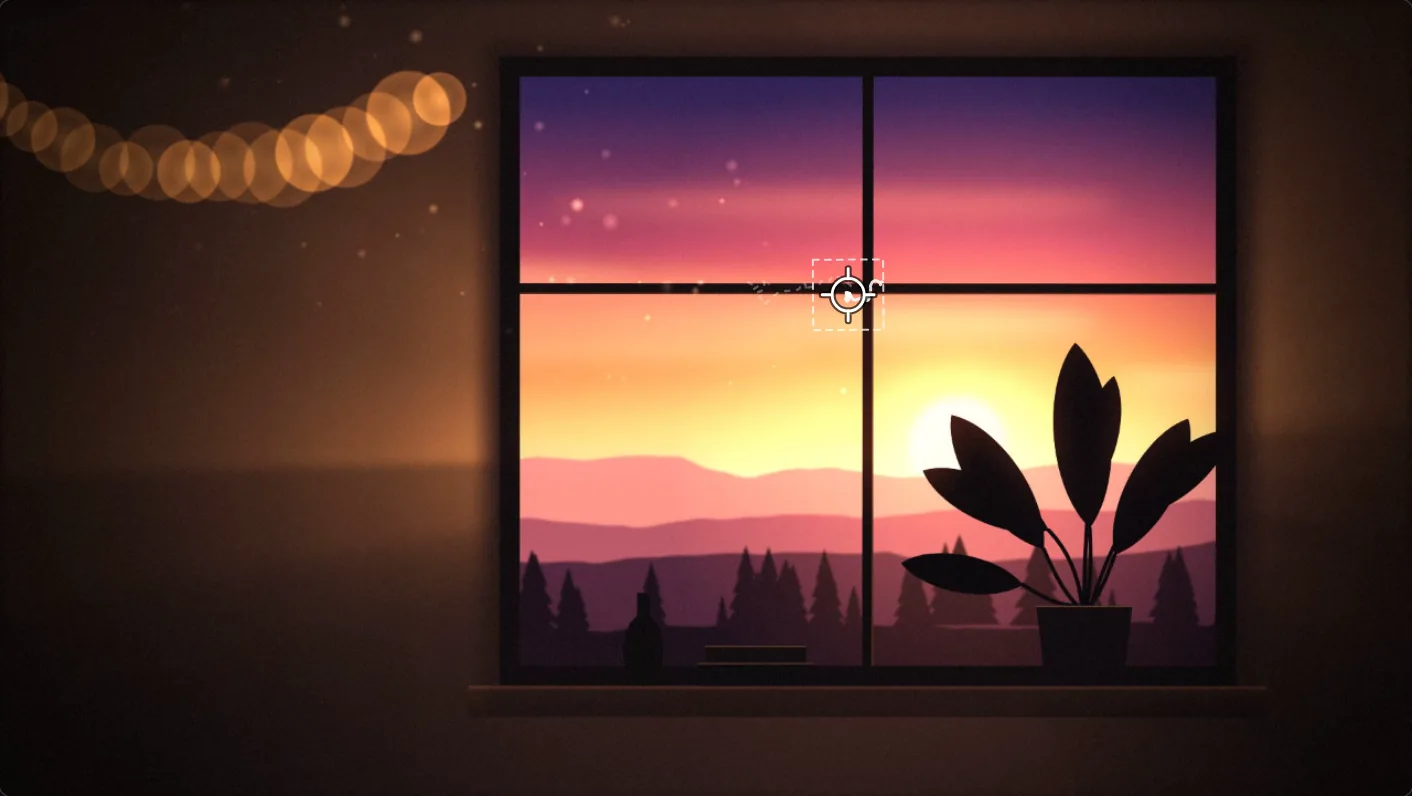
Click a spot and it is followed through every frame, to a fraction of a pixel. Keep it in the middle, keep the move and lose the shake, or turn a wide handheld shot into a steady vertical clip.
Gimbal reads how the whole frame moves and glides the shake out. There is no point to pick: choose Tripod, Gimbal, Float or Subtle and keep walking.
Subtitles listens to the clip, writes the words and draws them in the same style as your titles. The listening happens in your browser; the speech model downloads once, about 77 MB.
Bring in a whole shoot, lay a song underneath and see its beats on the timeline. Cut to the beat does the splitting, then every tool works across every clip.
Privacy
Prismframes is a web page that does its work on your machine. Clips are opened, edited and exported inside your browser, so there is no upload to wait for and no copy of your video anywhere else. Read the privacy page.
Your computer
Our servers never see your video. No render queue either: exports run on your own processor and graphics card.
Pricing
Every tool is free to use. Pro is for people who post a lot, and it has no price yet. Join the waitlist and you will hear first.
FAQ
No. Everything runs in your browser on your own computer. Your clips are never sent to us or to anyone else.
A laptop or desktop and a recent browser. Chrome and Edge work best. The work happens on your machine, so a faster computer renders faster.
MP4, MOV, WebM and M4V, including iPhone clips in HEVC and HDR. If your browser can't play a clip, the studio converts it on your computer when you add it.
Wait a moment first: a video in HEVC, or recorded in HDR, is converted to H.264 on your computer, and the bar above your clips shows how far along it is. Long 4K clips can take several minutes, and you can cancel any time. HDR is mapped to normal colours. If it still won't open, the studio says what the file is. Then record in H.264: on the iPhone, Settings > Camera > Formats > Most Compatible. For a clip you already shot, choose Options > Most Compatible when you share it from Photos. On Windows, the Microsoft HEVC Video Extensions let Edge and Chrome open HEVC themselves.
Not yet. It is made for a bigger screen. Film on your phone, then edit on your computer.
Pro will give you unlimited exports, where Free has 2 a week. There is no price yet. Join the waitlist and we will tell you before anyone else.
 Golden hour
Open the studio, drop in your last clip and see what a little care does.
Open the studioPro is coming. Get the launch email.